
Grow a Garden 2
Farming Simulation • Roblox
Grow a Garden 2 Wiki
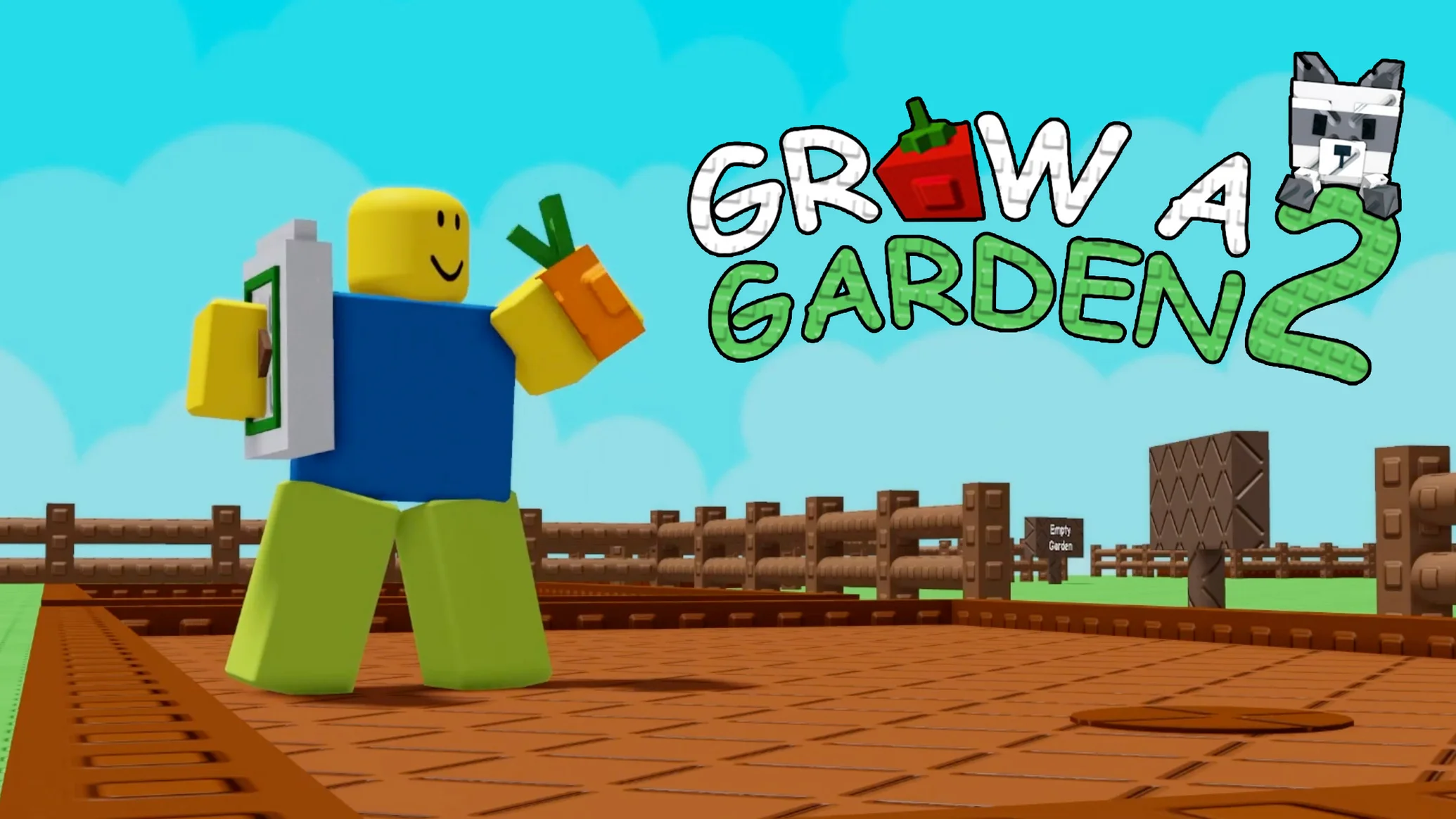
Unofficial Roblox wiki for Grow a Garden 2 with active codes, a full gear list, beginner guides, money-making strategies, base defense tips, and live stats.
Lore & Trivia
Overview
Grow a Garden 2 is a Roblox farming simulator where players plant seeds, tend crops, and sell harvests for Sheckles. The loop looks familiar—buy seeds, wait for growth, harvest, and reinvest—but the sequel adds two major twists: guild competitions and nighttime stealing. Crops continue to grow while you are offline, so every planting decision matters even when you are not in the server.
At night, other players can enter your garden and steal produce. That makes base layout, defensive gear, and guard pets just as important as crop choice. Whether you prefer a peaceful farm or a raiding playstyle, success comes from balancing growth speed, defense, and income.
Quick Facts
| Item | Details |
|---|---|
| Developer | Strawberreh Squad (Roblox Group) |
| Release Date | June 12, 2026 |
| Platforms | PC, Mobile (iOS / Android), Console |
| Genre | Simulation / Tycoon |
| Server Size | 8 players |
| Currency | Sheckles |
| Official Experience | Grow a Garden 2 on Roblox |
| Official Community | Discord |
Core Systems
Seeds & Plants
Seeds are the foundation of every farm. Early seeds such as Carrot and Tulip mature quickly and provide a single harvest, while multi-harvest crops like Strawberry and Blueberry keep producing after the first pick. Higher-tier seeds cost more but scale better with gear and mutations.
Gear
Gear speeds up growth, improves harvest size, or helps defend against thieves. Common starting tools are the Watering Can and Sprinklers; late-game options include the Super Sprinkler, Teleporter, and Rainbow Carpet. See the full list on the Gear page.
Pets
Pets can boost farming stats or protect your garden. Some are bought directly, while others hatch from eggs with normal, big, and huge variants. Choose pets that match your current goal: growth support, defense, or theft assistance.
Weather & Mutations
Weather events can mutate crops and multiply their sell value. Stacking mutations with sprinklers and patience is the main path from mid-game income to late-game wealth.
Guilds
Players can create or join guilds to compete on weekly leaderboards for exclusive rewards. Guilds add a social objective beyond personal farm optimization.
Stealing & Defense
At night, players can raid each other. Defense options include walls, owner-only doors, bear traps, defensive plants, guard pets, and gear like the Freeze Ray or Power Hose. The Defense & Stealing Guide covers both sides of this system.
Codes
Promotional codes grant free seeds, packs, or currency. The active list is maintained on the Codes page and should be redeemed quickly because code windows can close after updates.
Progression Path
- Early Game – Complete the tutorial, redeem the starter code, and farm single-harvest crops like Carrots and Tulips for fast Sheckles.
- Mid Game – Buy a Watering Can and basic Sprinklers, then transition into Bamboo farming for larger payouts.
- Late Game – Stack mutations during weather events, invest in legendary gear, and build a defended base around your highest-value crops.
Browse the Wiki
- Codes – active redeem codes and rewards
- Gear – full gear table with prices and effects
- Beginner Guide – first-day roadmap
- Money-Making Guide – bamboo and mutation farming
- Base Defense & Stealing Guide – protect or raid farms
Grow a Garden 2 Wiki FAQ
What is Grow a Garden 2 in Roblox?
It is a farming simulation where players grow crops, sell them for Sheckles, and compete or cooperate through guilds and nighttime stealing mechanics.
How do you earn Sheckles faster?
Focus on single-harvest crops early, reinvest in Bamboo, use sprinklers and watering cans, and wait for weather mutations before selling bulk harvests.
Does the game work while offline?
Yes. Crops continue to grow after you leave the server, so offline time is part of the economy.
Can other players steal from me?
Yes, stealing is enabled at night. Defensive layouts, pets, and gear reduce the risk.
Where do new codes come from?
New codes are usually announced in the official Discord and through social channels. The Codes page tracks them as they appear.
Change Log
- 2026-06-15: Created the Grow a Garden 2 wiki hub with live stats and system overview.
Discussion
Sign in to join the discussion.